pandoc-lecturenotes Updates
Since my last post on pandoc-lecturenotes (pandoc-lecturenotes and the Quest for More Efficient Professoring) I’ve been working on it quite a bit, and I added two main features:
- support for “native” slide formats (i.e., slide formats natively supported by Pandoc), and
- support for formatting PDF lecture notes with Typst.
Native Slides
I originally wrote pandoc-lecturenotes with the specific intention to use Deckset for presentations. Support for native slides was prompted by a question on Mastodon in response to my previous post whether one could also use reveal.js for slides. Since reveal.js is one of the slide formats natively supported by Pandoc, it was trivial to add. You can now use the native-slides.lua filter to generate slides in any of the slide formats supported by Pandoc, including PowerPoint.
Suppose you have a Markdown document, say, short.md with the following content:
---
title: "Lesson 1"
...

Alan Kay is an American computer scientist known for his pioneering work on object-oriented programming and windowing graphical user interface (GUI) design.  At Xerox PARC he led the design and development of the first modern windowed computer desktop interface.

::: slide

> The best way to predict the future is to invent it.
-- Alan Kay

:::

Kay has lectured extensively on the idea that the computer revolution is very new, and all of the good ideas have not been universally implemented.  His lectures at the OOPSLA 1997 conference, and his ACM Turing Award talk, “The Computer Revolution Hasn’t Happened Yet”, were informed by his experiences with Sketchpad, Simula, Smalltalk, and the bloated code of commercial software.[^1]

[^1]: Adapted from the Wikipedia article on [Alan Kay](https://en.wikipedia.org/wiki/Alan_Kay).
In order to extract the slides and create a reveal.js presentation, you can say:
pandoc -s -f markdown -t revealjs -L native-slides.lua -o short.html short.mdThis is just for illustration, assuming that Pandoc knows where to find the native-slides.lua filter; for actual work, I recommend using a Makefile. Since we haven’t specified any options, this will give you the default look, but you can of course use all the options Pandoc offers you for customizing the slides.
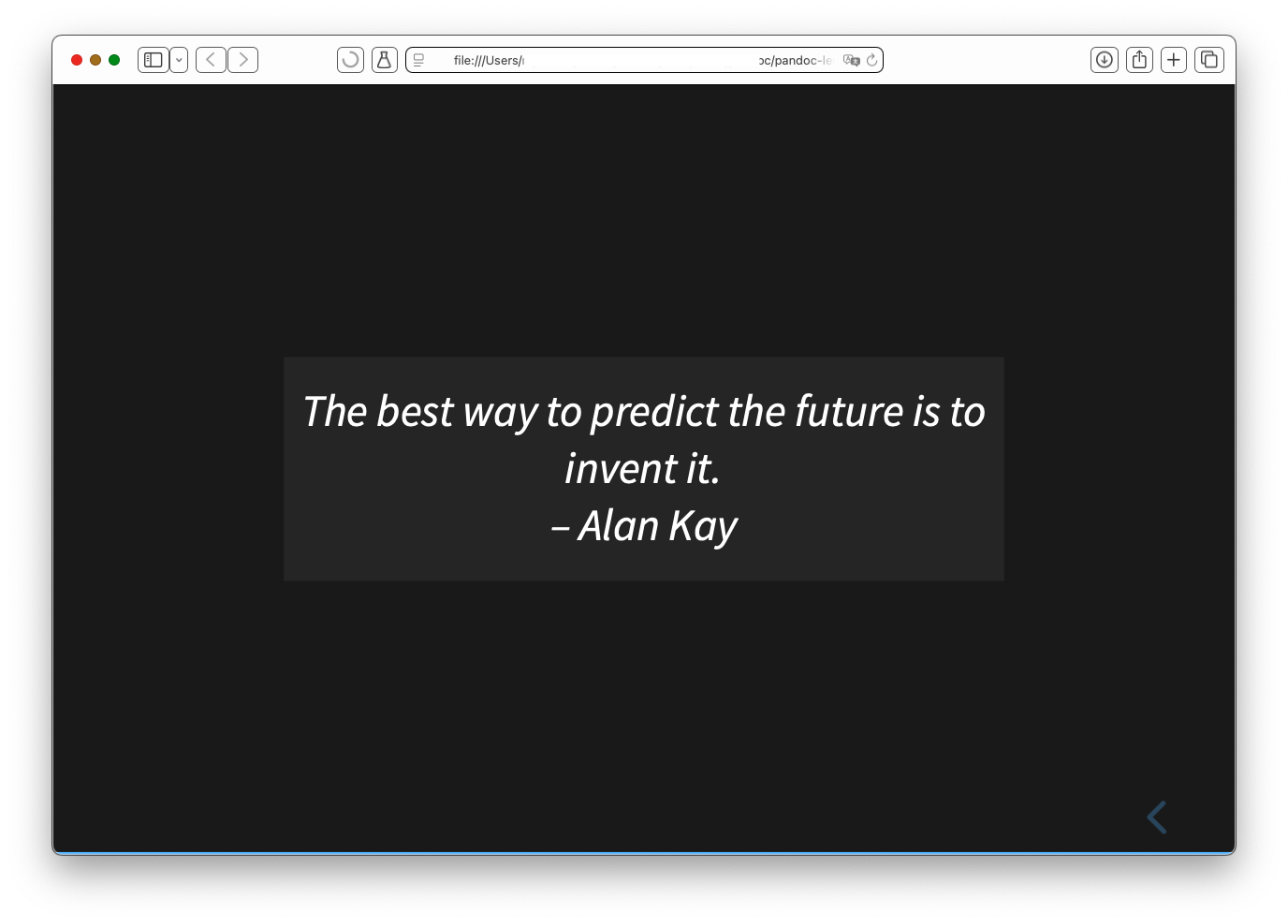
reveal.js slides output.
You can also use all the slide-specific markup on the slides (columns, presenter notes, etc.); again, see the Pandoc documenation for details (the section Structuring the slide show only applies to some extent, as the slides are already explicitly separated).
Typst Output
Typst is much faster than LaTeX, so I had wanted to use Typst for formatting lecture notes for quite some time, and I finally did it. There are possibly some details that are still missing, but the most important features are already there. So, running pandoc -s -f markdown -t pdf --pdf-engine=typst -L embed-slides.lua -o short.pdf short.md will produce this:
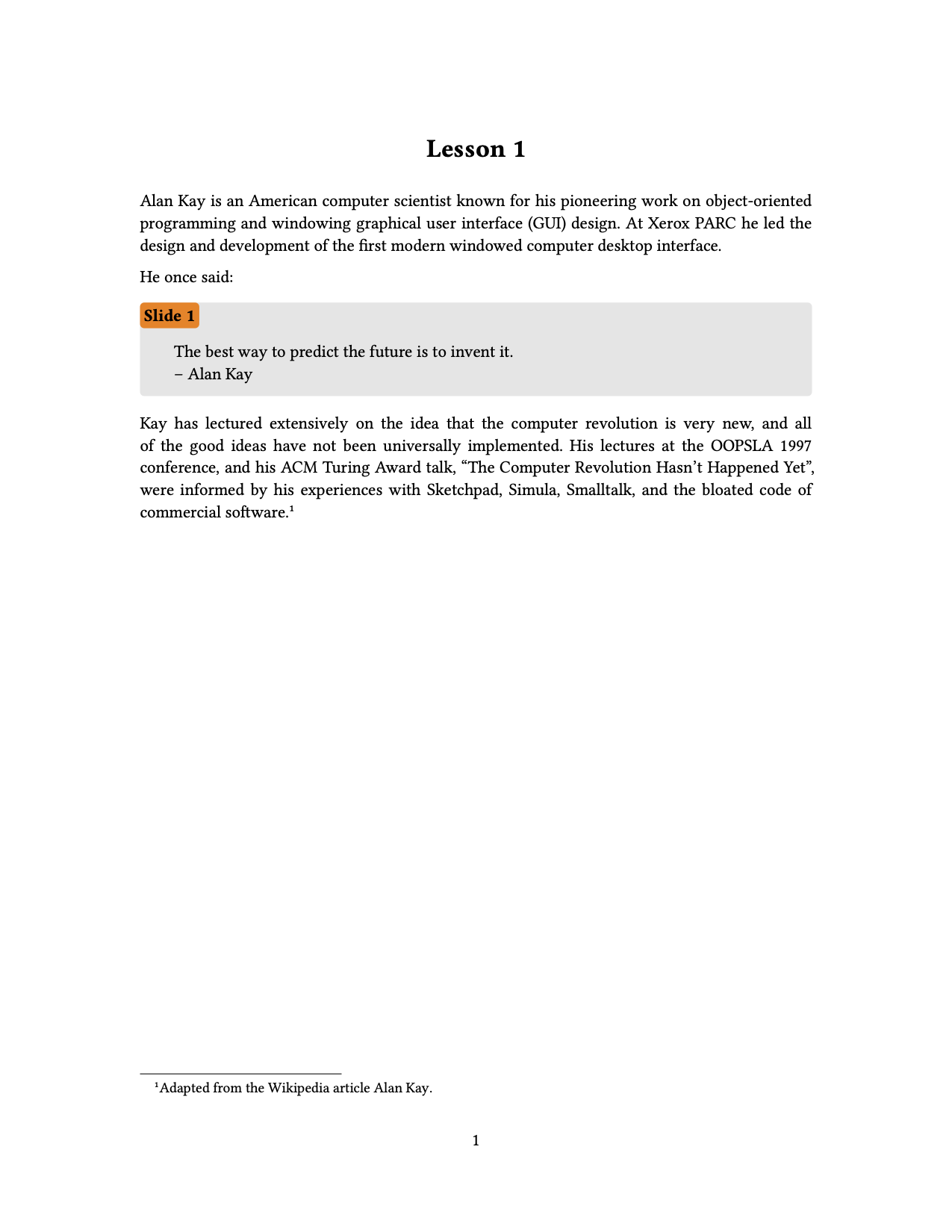
Typst lecture notes output.
I also used the opportunity to add support for columns (for native formats and Deckset) and split slides (for Deckset) to both Typst and LaTeX output.
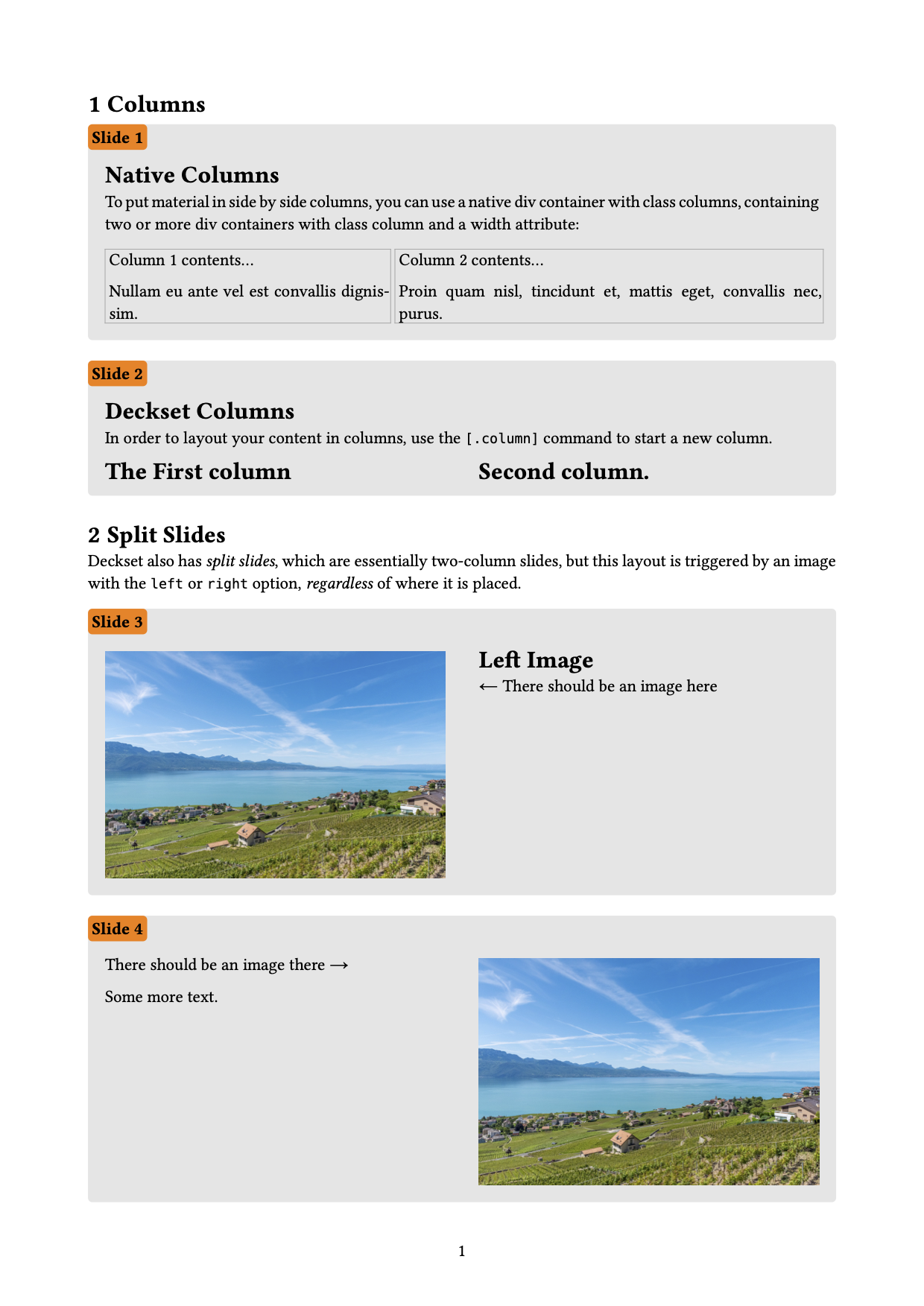
Support for columns and split slides.
Outlook
I look forward to formatting my lecture notes for all of my courses with Typst in the upcoming semester; the slowness of LaTeX has been increasingly painful. This should uncover any issues and missing features. I may tweak the default look of embedded slides in Typst; since they are implemented as a special kind of figure, it should also be easy to customize the look with a show rule in a Typst template. I probably won’t have time to clean up the code of embed-slides.lua, which is a bit of a mess; this will have to wait until the end of the semester.